Video to Cinematic Product Visualization
Using KIRI Engine and Blender in a Real Workflow
Handheld 360 capture processed successfully through KIRI Engine.
In exploring practical applications for photogrammetry and lightweight 3D capture, I recently tested a workflow using KIRI Engine and Blender.
KIRI Engine enables mobile-based photogrammetry capture without specialized hardware or scanning rigs. By pairing lightweight capture with a professional 3D environment, this test explores how physical objects can be translated into presentation-ready visual assets efficiently.
The goal was simple:
Capture a real-world object quickly, refine it in 3D, and place it into a controlled cinematic environment.
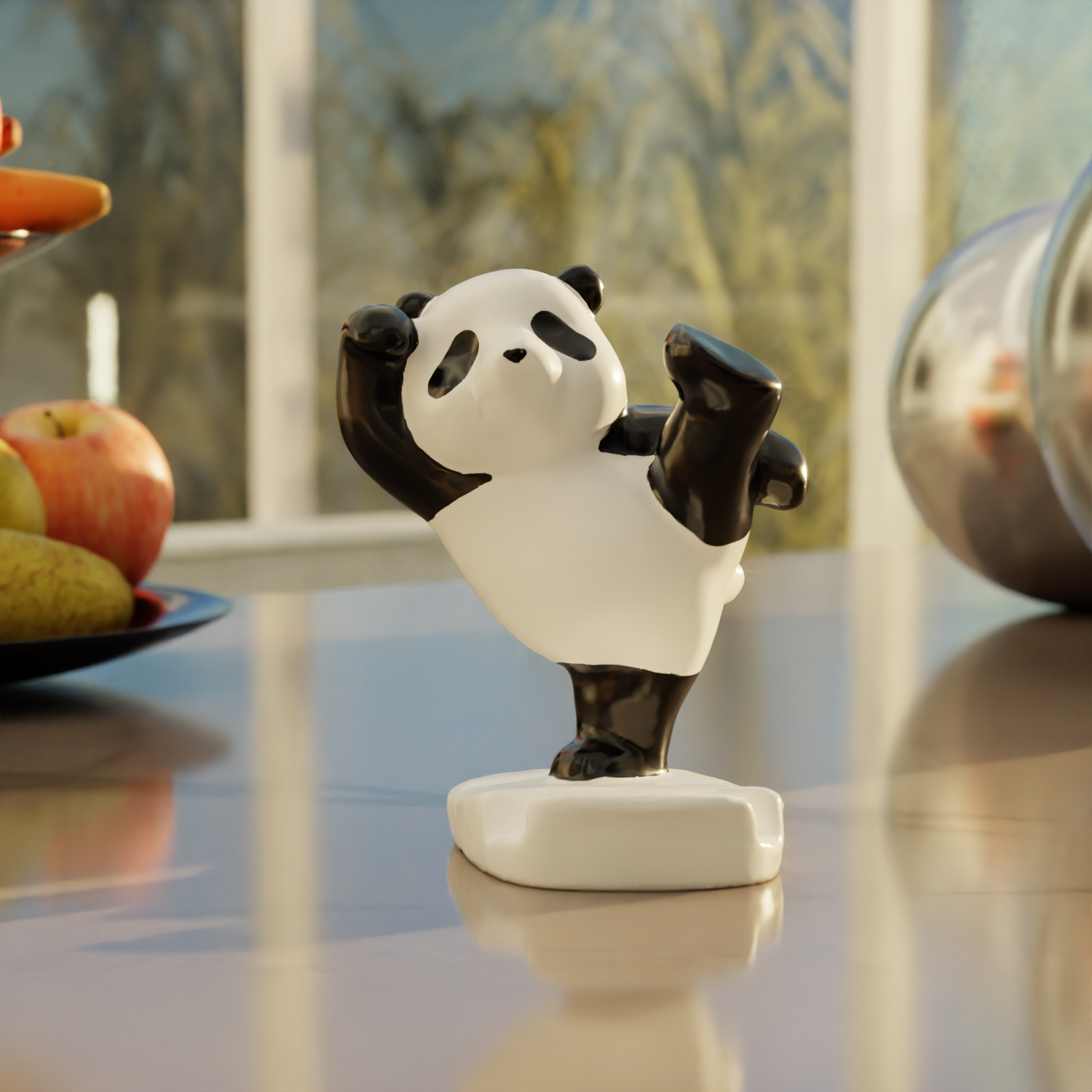
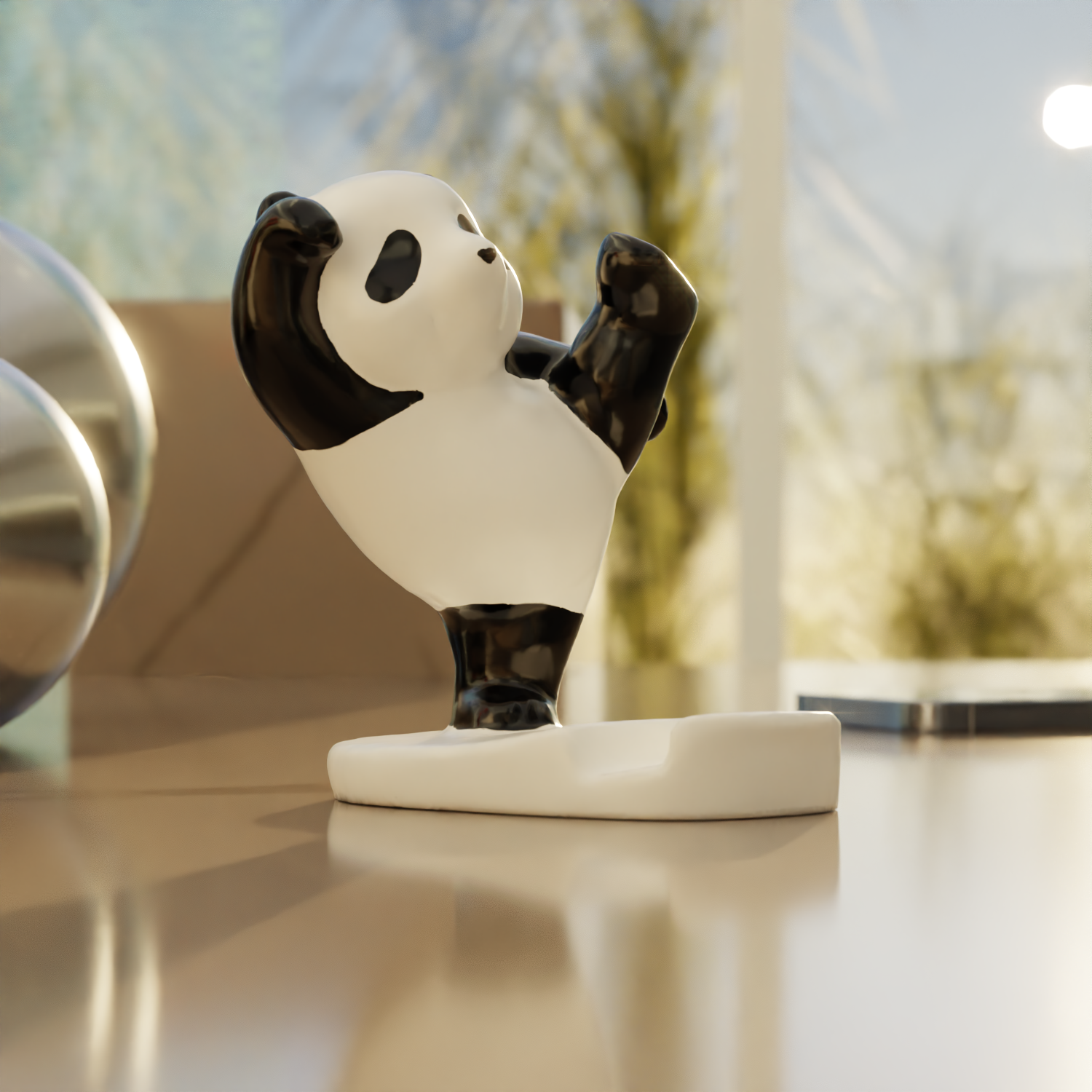
The object: a Panda Phone Stand.
The process: from 360 capture to animated product visualization.
Step 1: Capturing the Object in KIRI Engine
Using a handheld 360° pass around the phone stand, I processed the footage through KIRI Engine to generate an OBJ file.
This was intentionally captured without stabilization equipment to evaluate how resilient the workflow would be under non-ideal conditions. Even with slight shake, the cloud-processed photogrammetry produced usable mesh fidelity.
Timelapse of mesh cleanup, material refinement, and environment integration in Blender.
Step 2: Importing & Cleanup in Blender
After exporting the OBJ, I imported the mesh into Blender.
From there:
Cleaned geometry artifacts
Adjusted topology where needed
Refined materials
Balanced scale and proportion
Photogrammetry models rarely come in production-ready.
The refinement stage is where craft meets automation.
Step 3: Environment Integration
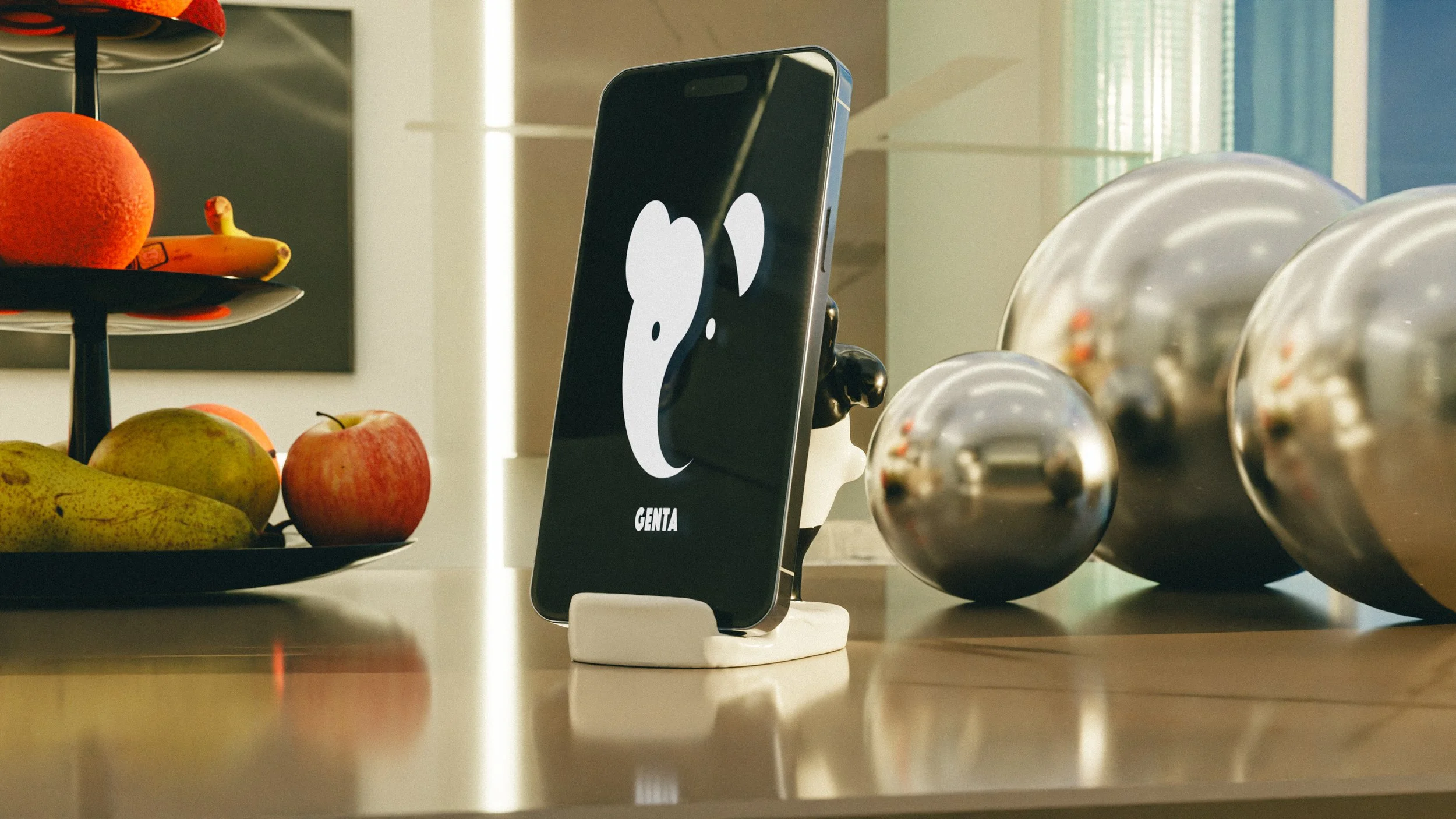
To elevate the piece beyond a simple turntable render, I placed the stand on a modeled 3D kitchen island which provided grounding, shadow interplay, and spatial realism.
The intent was context.
Product visualization is rarely about the isolated object. It’s about:
Environment • Narrative
Lighting mood • Interaction
Step 4: Animation & Narrative
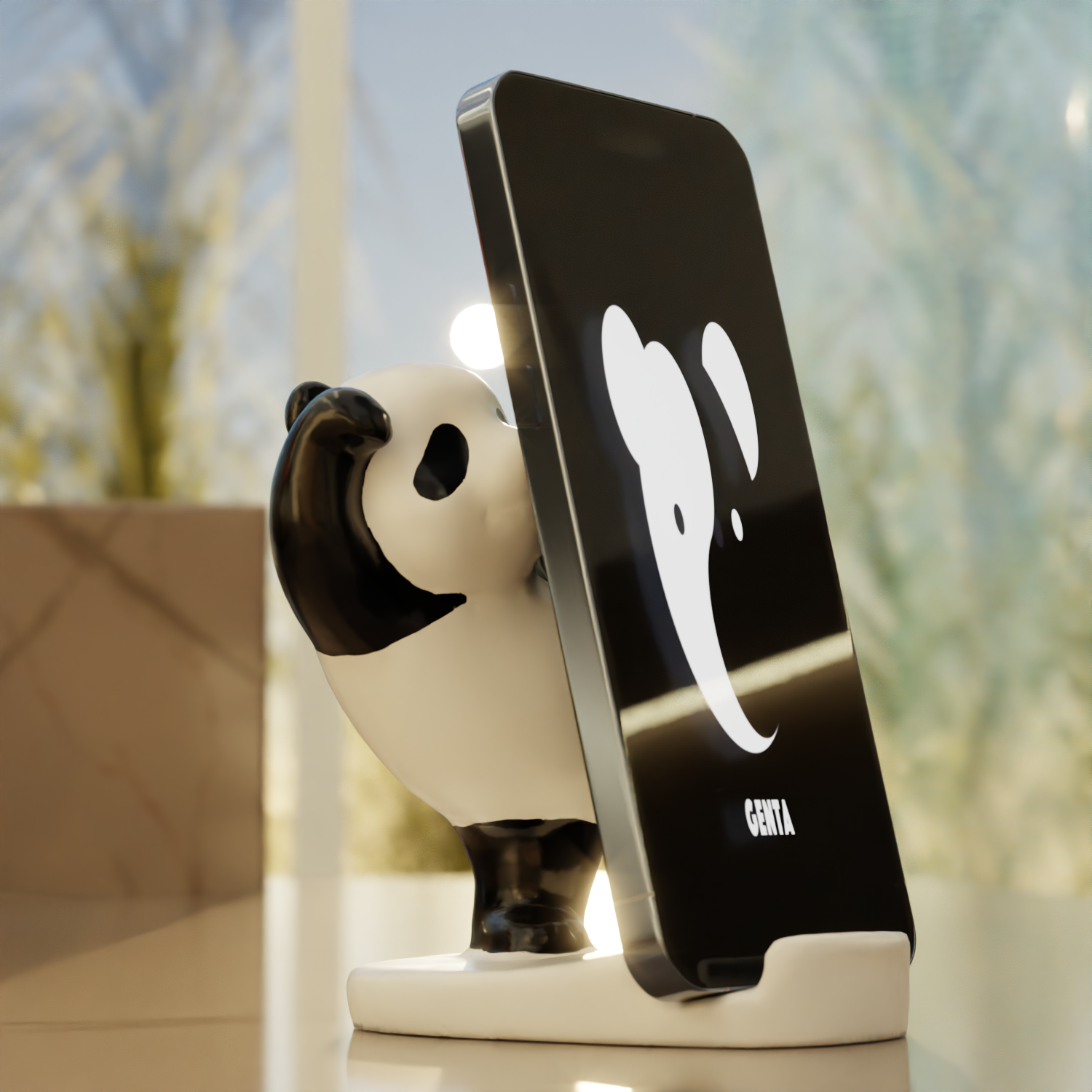
The final animation introduces motion to demonstrate function.
The camera slowly revolves around the stand while a phone levitates from the counter and settles into place. The levitation adds visual intrigue; the landing resolves into product clarity.
This transforms a static photogrammetry asset into a controlled product animation suitable for marketing and presentation contexts.
Why This Matters
This test demonstrates a practical pathway for integrating rapid photogrammetry into a scalable 3D visualization workflow. Using KIRI Engine for capture and Blender for refinement, a physical product was converted into a presentation-ready animated asset with minimal overhead.
The process is repeatable, cost-effective, and adaptable across marketing, product development, and internal visualization needs. It accelerates asset creation while preserving creative and production standards.